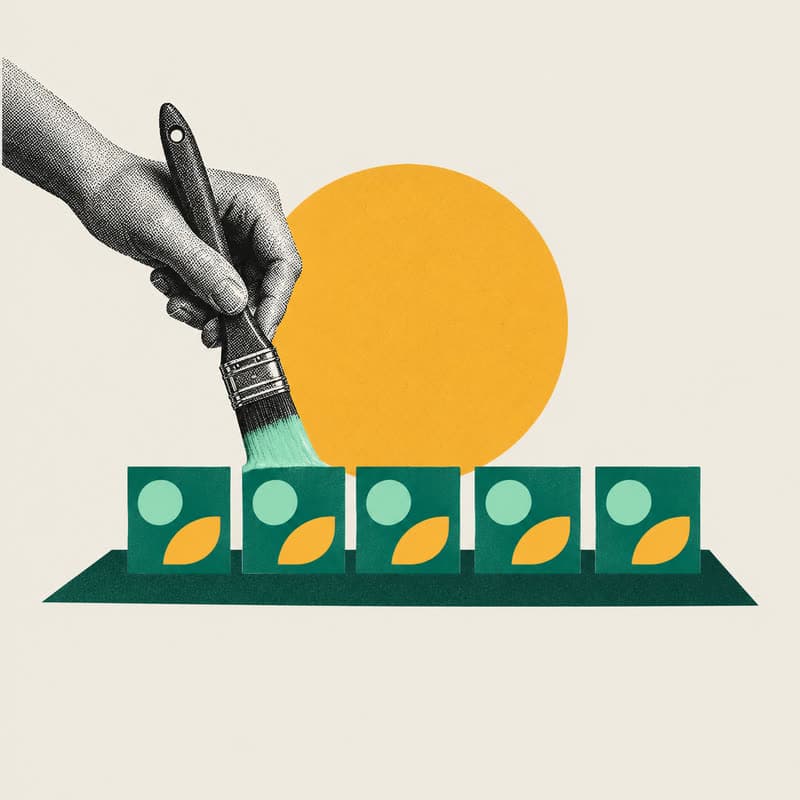
Brand Studio is a free Claude Code plugin from Hourglass AI that makes on-brand graphics from one line. You teach it your brand once from two or three of your posts, your logo and your fonts. After that, you type an idea and get back a finished PNG in your fonts and colours, at any social size.
Most AI image tools get the look close and the words wrong. A colour is slightly off, a chart doesn't match your data, or a number comes out as squiggles. Brand Studio avoids that by building each graphic as a small web page in your brand and taking a screenshot of it, so every word is real text.
What Brand Studio makes from one line
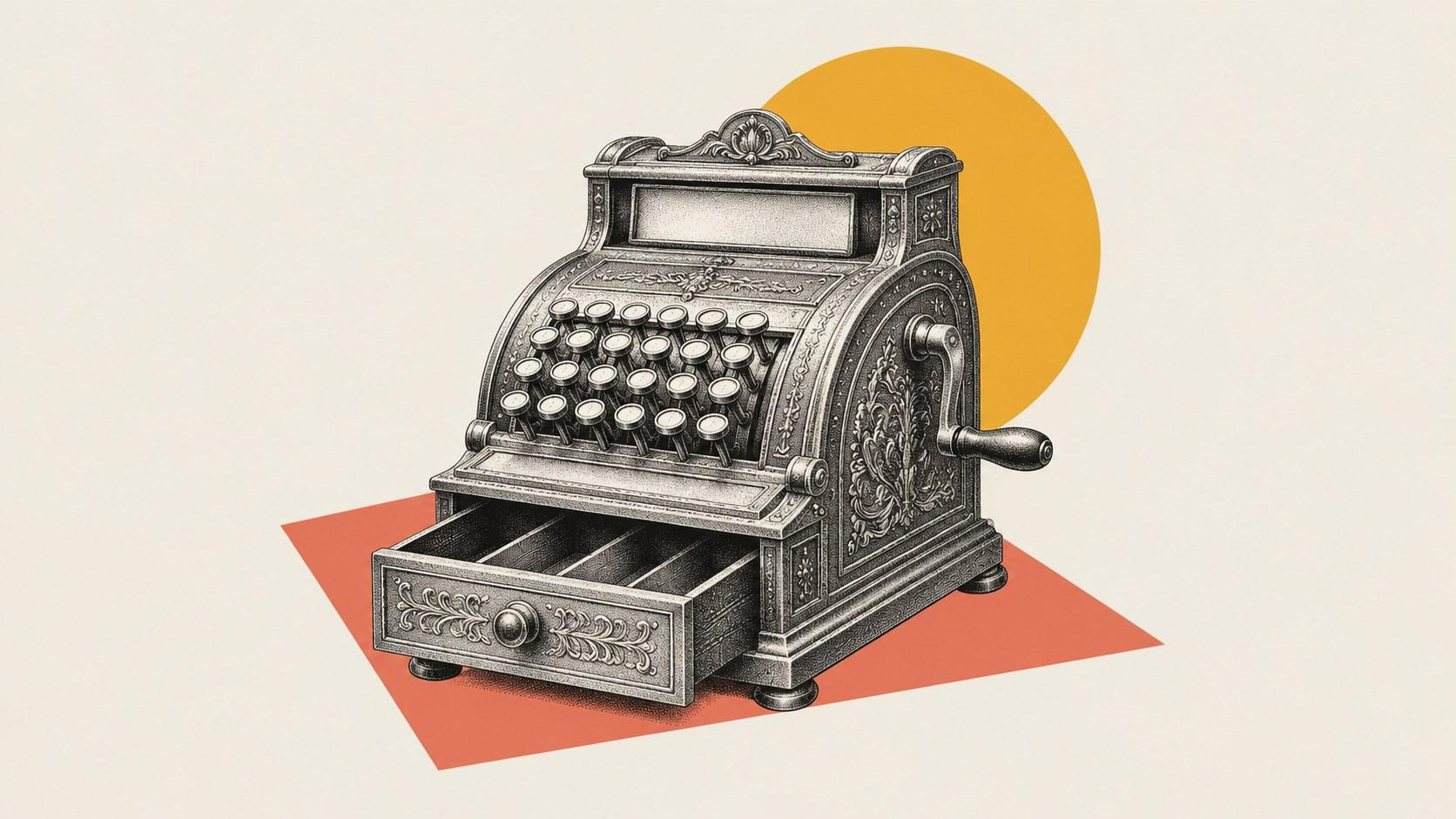
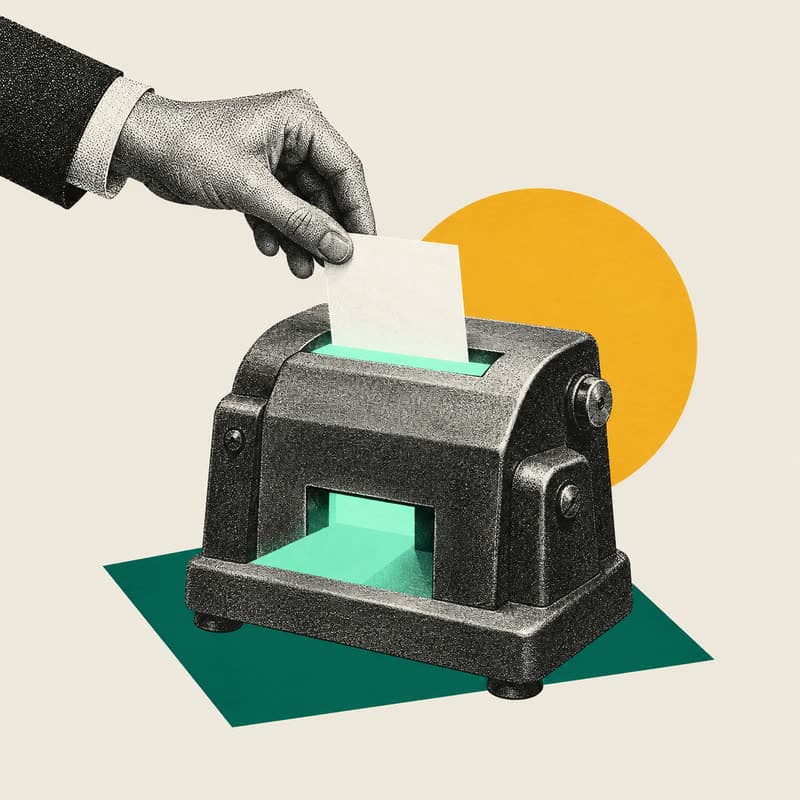
All three graphics below came out of one brand kit, from a one-line prompt each, according to the Brand Studio README. Nothing was placed by hand and nothing was touched afterwards.

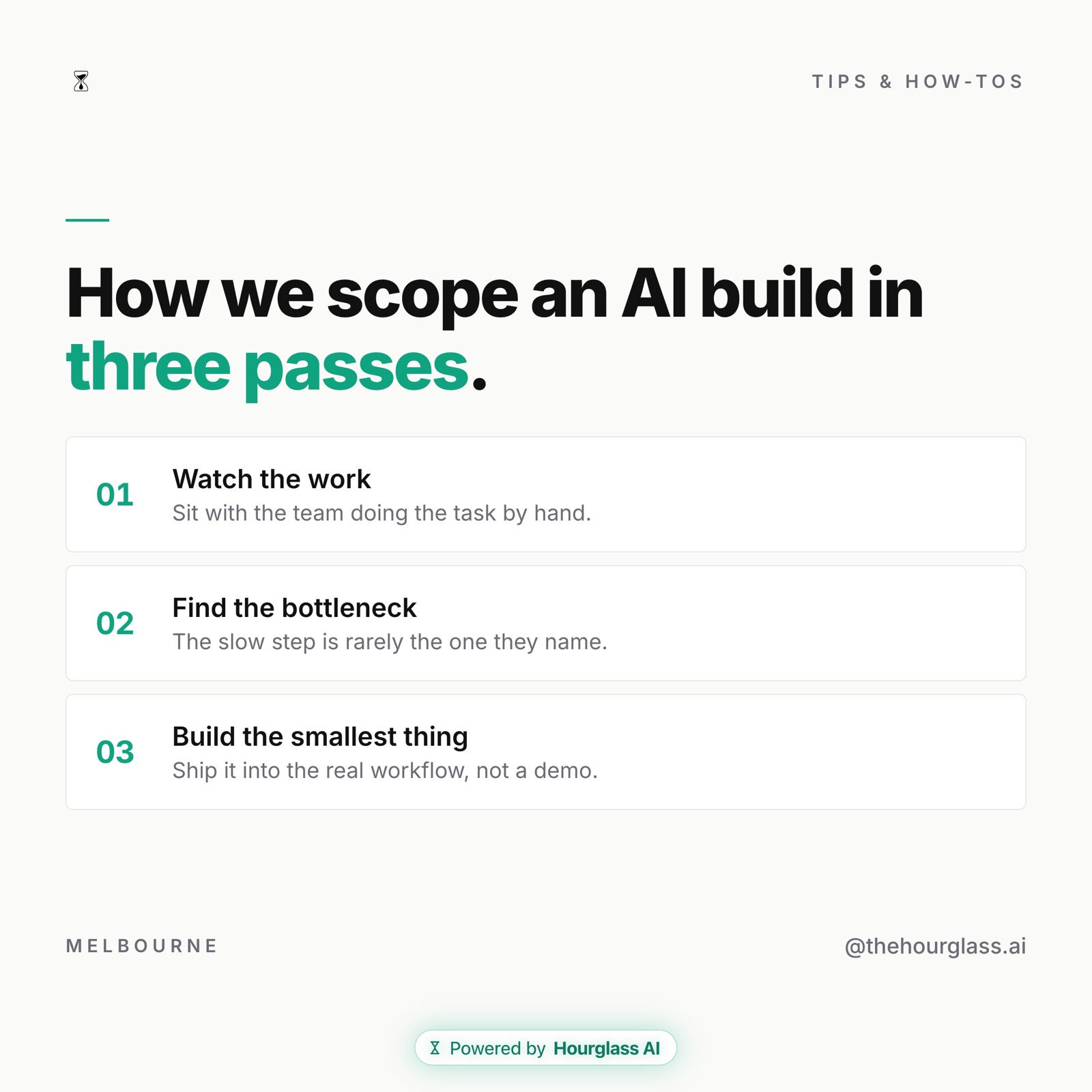
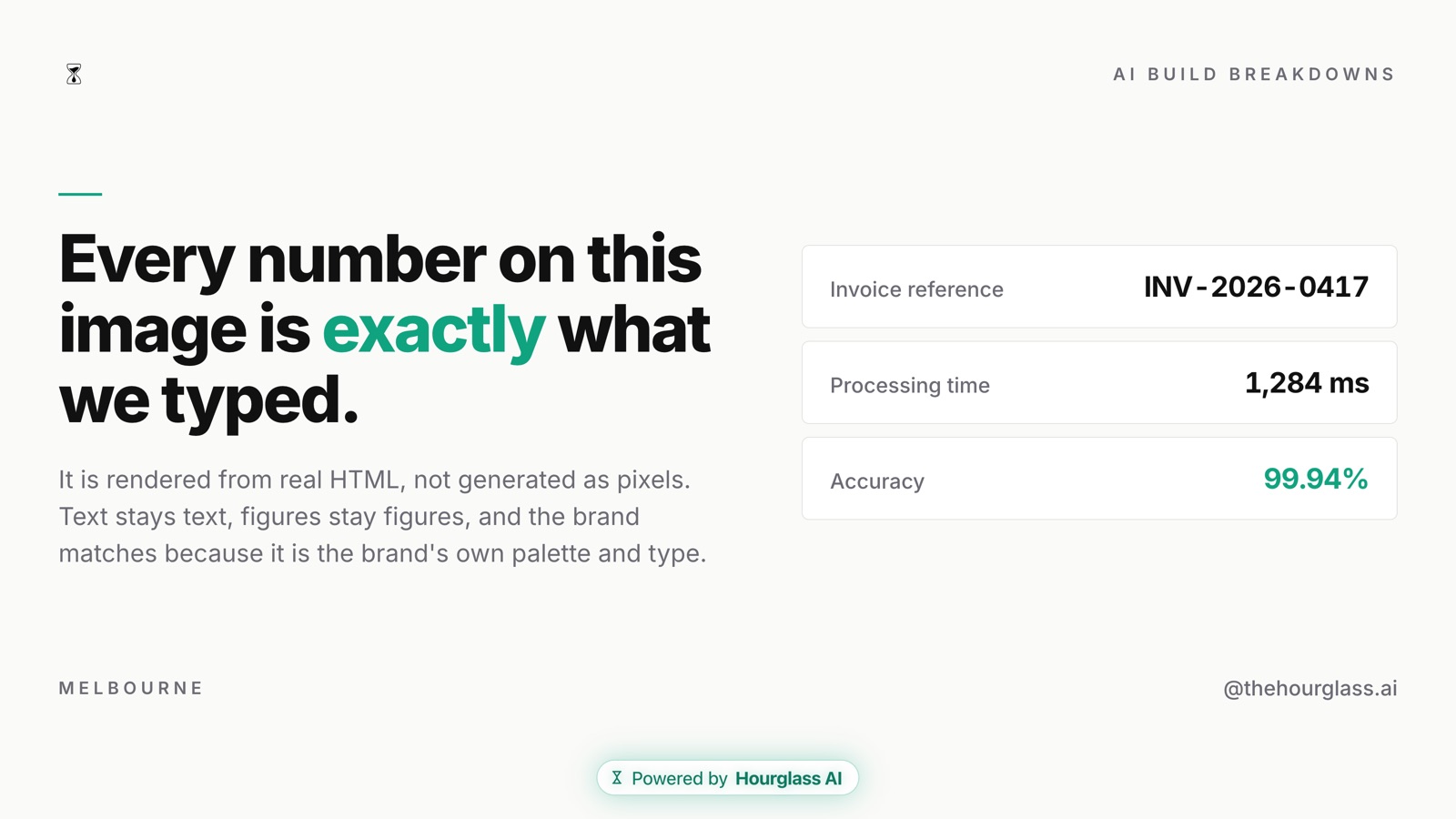
The last one shows why it exists. The invoice reference, the time and the percentage are sample figures typed into the prompt, and they come out exactly as typed. Every graphic also carries a small "Powered by Hourglass AI" mark at the bottom.
How Brand Studio works
Brand Studio adds five commands to Claude Code. You type them after a /.
| Command | What it does |
|---|---|
/create-brand | Learns a brand from 1 to 3 example graphics, a logo and fonts, and saves a brand kit: palette, fonts, logo, voice and house style. It asks you questions as it goes. |
/collect-inspo | Teaches the brand its taste from references it admires, such as screenshots, a Notion swipe file or named accounts. |
/create-asset | Writes the copy in your brand's voice, lays out the graphic in your house style and renders the PNG. Add "as a PDF" for a file you can import into Canva. |
/rebrand-chart | Takes a screenshot of a chart and redraws the same data in your brand. It checks any value it's unsure of with you before it draws. |
/edit-brand | Changes a saved brand on purpose, then renders a test so you see the effect. |
The brand is saved as data, not code. A kit is a brand.json file plus your logo, fonts and examples, so a new brand never needs new layout code. The shape is only a canvas size, so the same idea can be drawn for Instagram, LinkedIn, X or YouTube without stretching.
| Shape | Platform | Size |
|---|---|---|
ig-square | Instagram post | 1080×1080 |
ig-portrait | Instagram or LinkedIn portrait | 1080×1350 |
ig-story | Instagram or Reels story | 1080×1920 |
linkedin | LinkedIn post | 1200×1200 |
x | X | 1600×900 |
youtube | YouTube thumbnail or cover | 1920×1080 |
Where Brand Studio came from
Brand Studio packages an approach we first built as a custom tool for Tom Alder, founder of Strategy Breakdowns. His version takes data in and gives back a finished Strategy Breakdowns graphic, and it had made 37 of them when we wrote up the Brand Studio page. In Tom's words on that page:
The secret: the brand is expressed in code, rather [than] prompting an image model and rolling the dice.
Brand Studio is the free version of that idea, for any brand.
How to install Brand Studio
You need Claude Code on a paid Claude plan (Pro or Max), Node.js and npm, and Google Chrome or Chromium. If you're new to plugins and skills, our guide to your first skill explains what they are.
Already have Claude Code? Run these two commands in Terminal:
claude plugin marketplace add HourglassDigital/brand-studio
claude plugin install brand-studio@hourglass
Then start a new Claude Code session, because plugins load when a session starts. Type / and you'll see /create-brand, /collect-inspo, /create-asset, /rebrand-chart and /edit-brand.
Starting from scratch? Open Terminal and paste this:
curl -fsSL https://raw.githubusercontent.com/HourglassDigital/brand-studio/main/install.sh | bash
It checks what you need, installs Claude Code and the plugin, and tells you what to type next.
Using OpenAI Codex instead? Paste this into a Codex session:
Install Brand Studio: git clone https://github.com/HourglassDigital/brand-studio
into ~/.agents/skills/brand-studio, then run npm install inside
~/.agents/skills/brand-studio/engine.
Restart Codex and type $create-brand.
To check it worked in Claude Code, run claude plugin list. You should see brand-studio@hourglass enabled with no errors. We ran the two Claude Code commands on a clean setup on 16 November 2026 and got exactly that.
How to make your first graphic with Brand Studio
- Have two or three screenshots of posts you like the look of ready. The README says that's the only input that really matters.
- Run
/create-brandand answer its questions. It saves your brand kit. - Run
/create-assetfollowed by your idea, for example/create-asset how we onboard a new client, for LinkedIn. - Ask for changes in plain words until it's right. It can save what you prefer for next time.
Where Brand Studio falls over
- It needs a paid plan. Claude Code isn't on the free Claude plan, and Codex needs a paid ChatGPT plan.
- Every graphic carries our mark. A small "Powered by Hourglass AI" badge sits at the bottom of each render. It's deliberate, and it's the one thing the engine adds on its own.
- Your examples go to the AI. The brand kit is saved on your machine, but the screenshots and prompts you give it are read by Claude or Codex like anything else you paste in. Check what your plan lets the provider store before you use client material.
- It's only as good as your examples. Two or three posts you actually like the look of beat ten average ones. If the result drifts, run
/collect-inspoor/edit-brandrather than fixing each graphic by hand.
The code is open under the MIT licence on GitHub. See the rest of our free tools on AI Open Sauce.
Written by
Anna SekulicAI Specialist
Anna Sekulic is an AI Specialist at Hourglass AI, where she runs the AI audits and team workshops. She has been building AI workflows since she was 16, with three years of hands-on experience designing agent systems for real businesses, and she shipped her own iOS app with AI tools alone.
More from AnnaCommon questions
What is Brand Studio?
Brand Studio is a free Claude Code plugin made by Hourglass AI. It reads two or three of your posts, your logo and your fonts, saves them as a brand kit, and then makes new graphics in that style from a one-line prompt. It also works in OpenAI Codex.
Why doesn't Brand Studio garble the text like AI image tools do?
Brand Studio doesn't draw pixels with an image model. It lays each graphic out in real HTML and CSS, the code web pages are made of, and takes a screenshot. The words and numbers are typed text, so they come out exactly as written.
What do I need to run Brand Studio?
Claude Code on a paid Claude plan (Pro or Max), Node.js and npm, and Google Chrome or Chromium to render with. Codex works too, on a paid ChatGPT plan. The plugin itself is free and open source under the MIT licence.
Where does Brand Studio keep my brand kit?
On your own machine, in the plugin's data folder or ~/.brand-studio. Every install starts empty, with no brands loaded, and kits made in Claude Code and Codex are shared on the same machine.
References
- 1. Brand Studio on GitHub (README and install steps): Install commands, skills, shapes and requirements. Read 16 November 2026
- 2. Brand Studio product page: How it works, examples, and the Strategy Breakdowns result
- 3. Claude Code docs: set up Claude Code: Installing Claude Code, linked from the README
- 4. Brand Studio licence (MIT): Free to use, copy and change